Storm Atmosphere
Coordinate overhead clouds, mist and a darkened sky.
SYNKIT / Blender add-on / Beta 0.10.0
A procedural Blender add-on for atmosphere, lighting, materials, cameras and VFX. Start with one click, then make every setup your own.
One-time purchase · Free future updates · Works offline
01 / Inside the toolkit
A selection from the library. Explore categories here, then use search, favorites and recent setups inside Blender.
Coordinate overhead clouds, mist and a darkened sky.
Build a low layer of atmospheric haze.
Shape clouds with native wind and evolution.
Combine absorption, scattering and suspended matter.
The full library also includes weather, compositing, VFX integration and production tools. Setup requirements and performance guidance are shown before creation.
Made in Blender / SYNKIT studies
Original demonstration scenes with SYNKIT materials, lighting and atmosphere. Scene models and composition were authored separately; the add-on provides the editable effects.
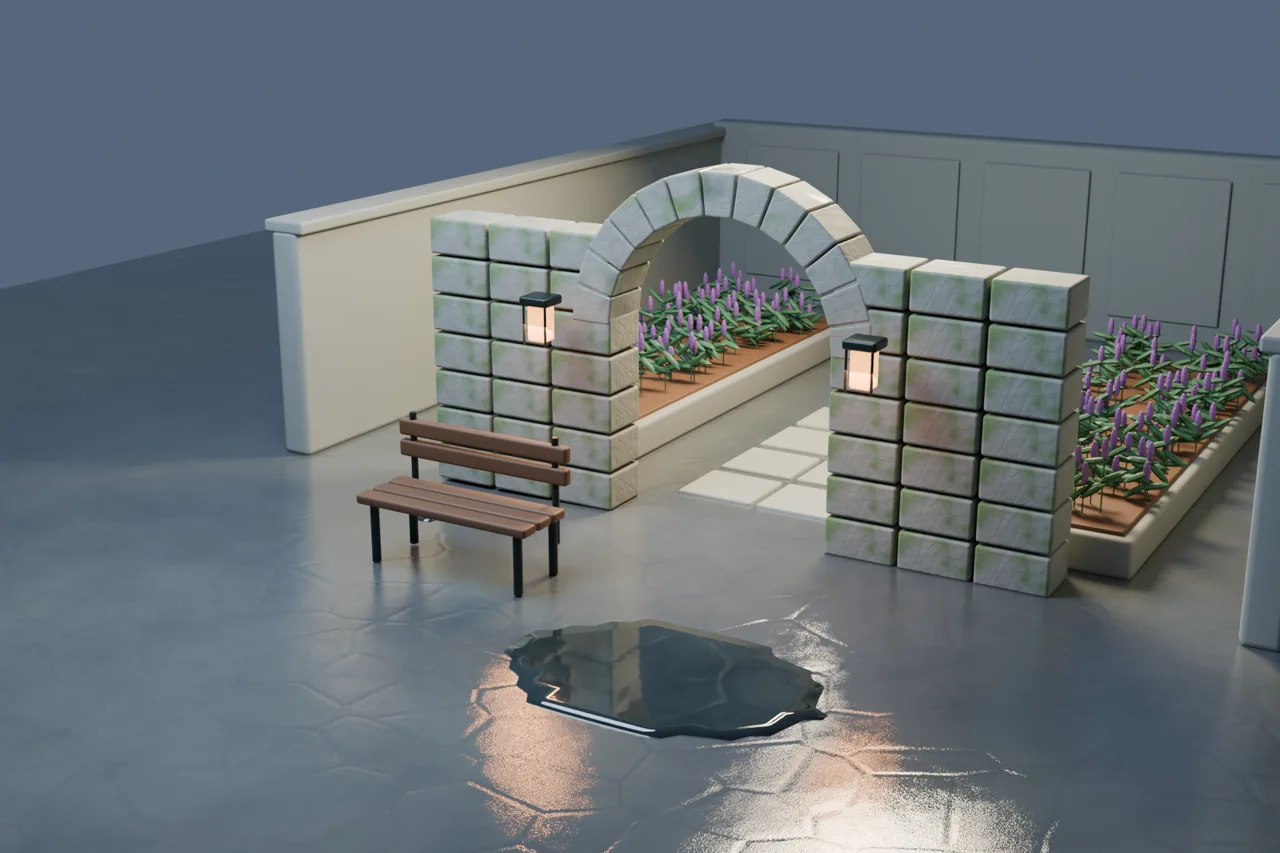
Moss, weathered surfaces and reflective puddles.
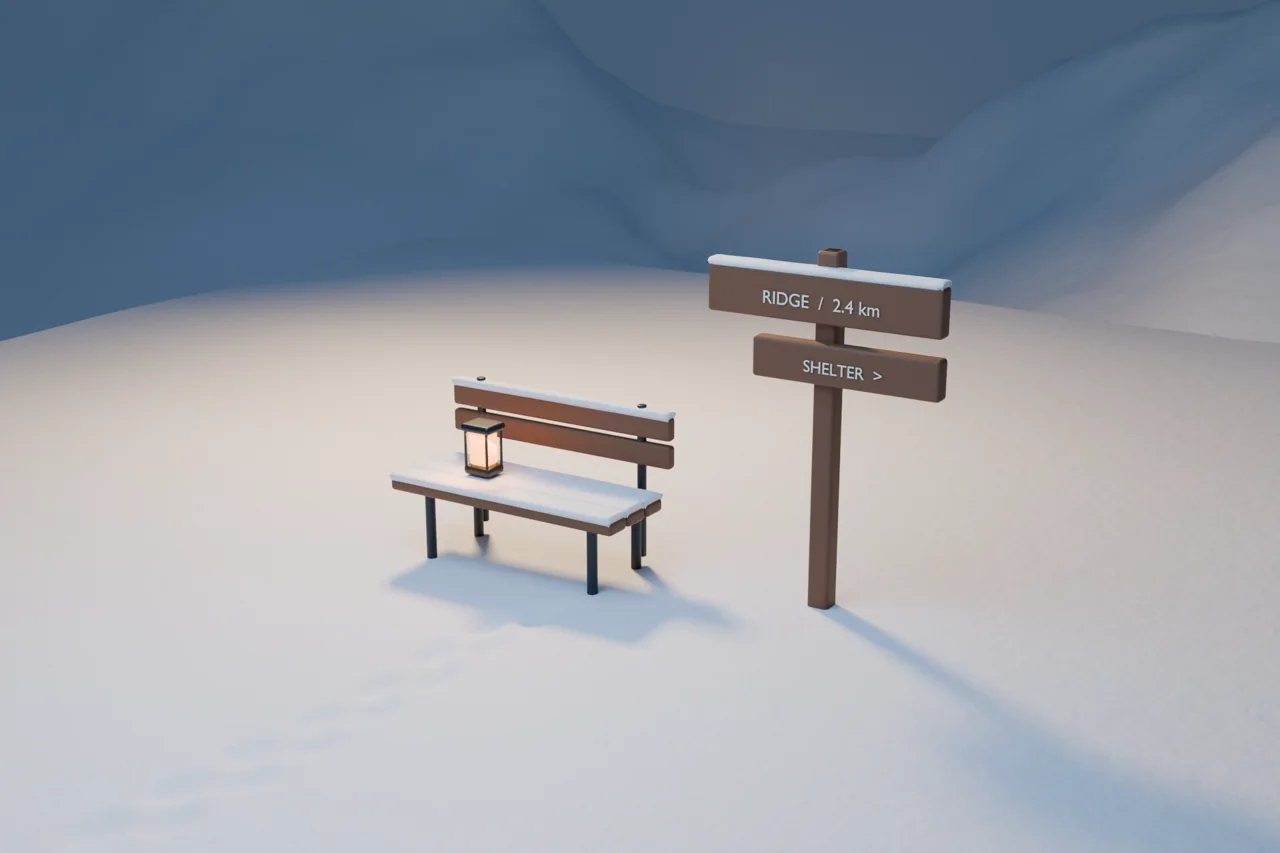
Snow coverage and layered winter atmosphere.
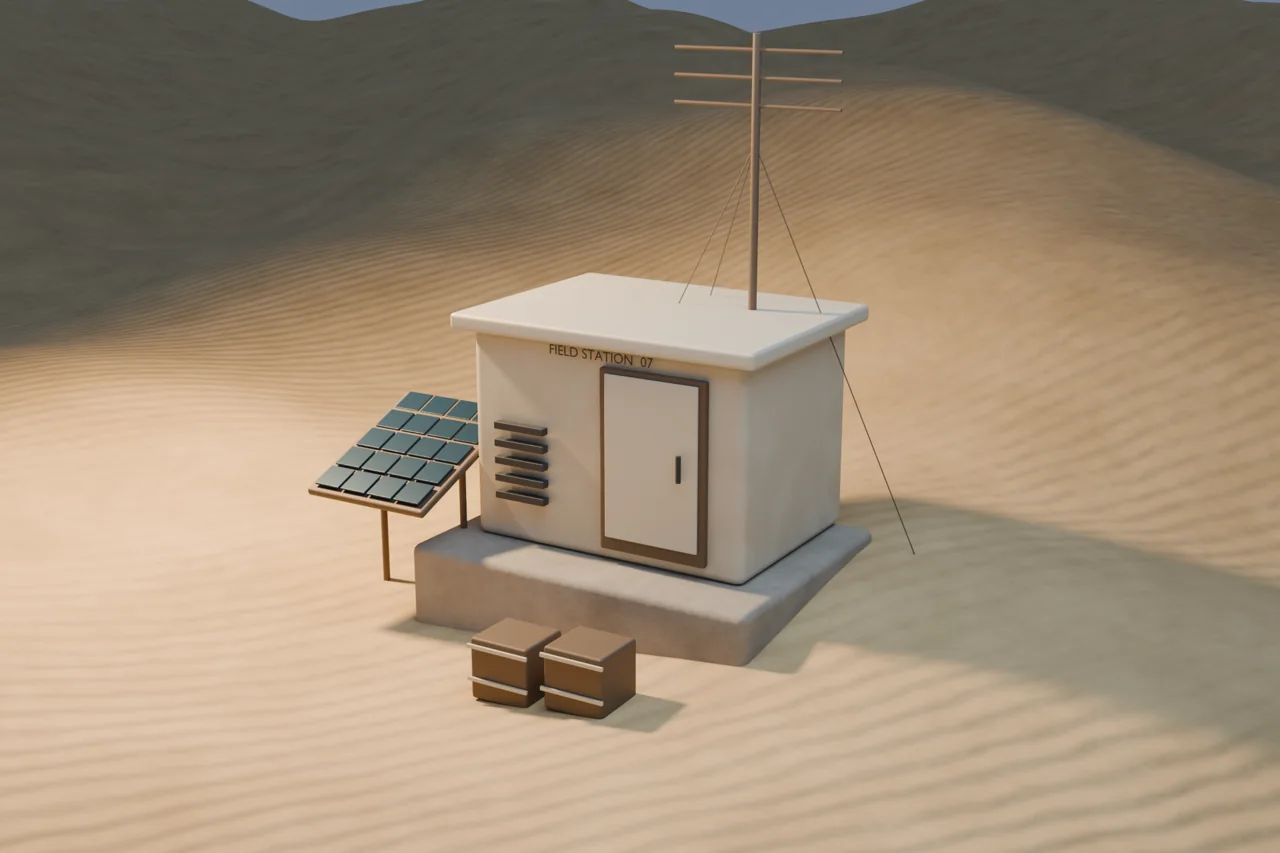
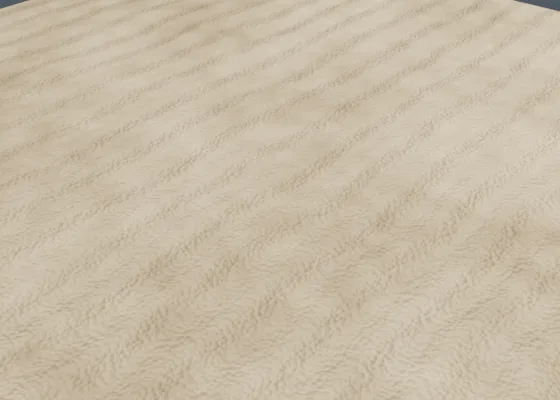
Procedural sand, surface variation and desert haze.
02 / Better together
Recipes combine related setups in one step. Start a Winter Landscape with raised snow, falling snow and low fog, or build a Product Photography scene with studio lighting and camera choices.
Each component stays editable. Rebuilding the parent restores its recipe settings, so keep a copy of manual customizations you want to preserve.
03 / Your first setup
Download your purchased SYNKIT ZIP, then install it through Blender’s Preferences → Add-ons → Install from Disk. Enable SYNKIT and open its tab in the 3D Viewport sidebar.
Select your subject or ground where needed, choose Setups or Recipes, and pick a starting point. Camera-aware effects require an active camera.
Adjust the controls and press Rebuild. Inspect, Duplicate and Remove are separate actions. Rebuild replaces manual edits to generated content.
Tested on Blender 5.2.2 LTS for Windows. Other platforms have not yet been verified. Your one-time purchase includes free future SYNKIT updates.
A few useful details
No. SYNKIT runs locally inside Blender and does not require a SYNVFX account, network connection or AI service.
Yes. Generated setups use native Blender geometry, nodes, materials, lights and animation. They continue to evaluate with the add-on disabled. Rebuild regenerates content from saved controls, replacing manual edits.
No. Many setups are bounded procedural approximations. For example, the Shockwave is an artistic animated ring, and snow buildup projects a shell from above. Each setup describes its limits.
They are separate tools. SYNKIT creates editable setups; SYNAE reviews scene information and offers guidance. You can use either on its own.
SYNKIT / Beta / One-time purchase
$15 USD · one time
SYNKIT 0.10.0 includes 99 setups and 10 recipes. Future SYNKIT updates are included at no additional charge. No subscription. No online activation inside Blender.
Requires Blender 5.2+. Tested on Blender 5.2.2 LTS for Windows; other platforms are unverified. Any applicable taxes are shown at checkout.
Payment setup is being completed. No orders are being accepted yet.
Already purchased? Get downloads and updates →Also from SYNVFX
SYNAE is in beta. Not currently available — coming soon.